Mobile Gaming vs PC Gaming: Pros, Cons, and Differences
Gaming has become more accessible than ever, with millions of players enjoying games on smartphones, tablets, and computers. But when comparing mobile gaming vs PC gaming, which platform offers the better experience?
Both platforms have unique advantages. Mobile gaming is convenient and affordable, while PC gaming offers greater control, customization, and performance potential. The right choice depends on your budget, gaming preferences, and how you like to play.
1. What Is Mobile Gaming?
Mobile gaming means playing games on smartphones or tablets. Popular examples include PUBG Mobile, Call of Duty: Mobile, Clash of Clans, and Mobile Legends: Bang Bang.
The biggest advantage of mobile gaming is convenience. Most people already own a smartphone, so they can start playing without purchasing a separate gaming device. Mobile games are also available in free-to-play formats, making them accessible to beginners.
However, mobile devices have limitations. Performance depends on the phone's processor, memory, battery, and cooling system. Long gaming sessions can cause overheating, battery drain, or reduced performance.
2. What Is PC Gaming?
PC gaming involves playing games on desktop computers or laptops. Players can enjoy titles such as Counter-Strike 2, Dota 2, Minecraft, and demanding single-player games.
One major advantage of PC gaming is flexibility. Players can upgrade components, adjust graphics settings, connect different controllers, and use a keyboard and mouse. Gaming PCs can also support streaming, video editing, and other tasks.
The main disadvantage is cost. A capable gaming PC can require a significant initial investment, particularly if you need a monitor, keyboard, mouse, and other accessories. Some games may also require technical setup or troubleshooting.
3. Mobile Gaming vs PC Gaming: Key Differences
Feature| Mobile Gaming| PC Gaming
Cost| Often lower to start| Can require a larger investment
Portability| Excellent| Depends on device
Graphics| Vary by phone and game| Can deliver higher visual quality
Controls| Touchscreen or controller| Keyboard, mouse, or controller
Upgrades| Usually replace the device| Individual components can be upgraded
Battery| Important for portable play| Desktop PCs use external power
Game selection| Large mobile-focused library| Broad PC library, including many complex games
Best for| Convenience and casual play| Customization and demanding games
Actual performance and costs vary by device, game, and configuration.
4. Pros and Cons of Mobile Gaming
Advantages of Mobile Gaming
Convenience: You can play almost anywhere with your phone, provided the game works offline or you have a suitable internet connection.
Affordable entry: Many mobile games are free to download, and you may not need to buy additional hardware.
Easy to learn: Touchscreen controls and simple interfaces make many mobile games beginner-friendly.
Social gaming: Mobile games often make it easy to play with friends, join teams, and participate in online matches.
Disadvantages of Mobile Gaming
Limited controls: Touchscreen controls may be less precise than a keyboard and mouse for certain competitive games.
Performance limitations: Not every phone can run demanding games smoothly at high settings.
Battery and heat: Extended gaming can drain the battery and make the device warm.
In-app purchases: Some free games encourage spending on cosmetics, upgrades, or other digital items.
5. Pros and Cons of PC Gaming
Advantages of PC Gaming
Better performance potential: Powerful gaming PCs can deliver high frame rates, detailed graphics, and high-resolution gameplay.
Precise controls: A keyboard and mouse are particularly useful for many shooting, strategy, and simulation games.
Customization: Players can upgrade graphics cards, memory, storage, and other components when needed.
Game variety: PC gaming offers genres ranging from competitive esports to strategy, simulation, indie games, and large open-world adventures.
Disadvantages of PC Gaming
Higher upfront cost: Building or buying a capable gaming PC can be expensive.
Less portability: Desktop gaming setups are difficult to move, while gaming laptops can be costly.
Maintenance: Hardware upgrades, driver updates, compatibility issues, and troubleshooting may require technical knowledge.
Space requirements: A desktop setup usually needs a desk, monitor, and room for accessories.
6. Which Is Better for Online and Competitive Gaming?
Both platforms support competitive gaming, but the experience differs. Mobile esports titles are designed around touchscreen controls and smartphone performance. PC esports games often emphasize precise mouse movement, keyboard shortcuts, and high refresh rates.
Your preferred game matters more than the platform alone. Some games support cross-play between mobile and PC, while others separate players into different matchmaking pools. Always check the rules for the specific game you want to play.
7. Mobile Gaming vs PC Gaming: Which Should You Choose?
Choose mobile gaming if you want an affordable, portable way to enjoy games during breaks, travel, or everyday free time.
Choose PC gaming if you want more control over performance, access to a wide range of PC titles, customizable hardware, and a setup suited to competitive or demanding games.
You do not necessarily have to choose only one. Many players use smartphones for quick matches and PCs for longer gaming sessions.
Conclusion
Mobile gaming vs PC gaming comes down to convenience, budget, performance, and personal preference. Mobile gaming is easy to access and highly portable, while PC gaming offers more customization and greater performance potential.
Neither platform is automatically better for everyone. Consider the games you enjoy, how much you want to spend, and where you prefer t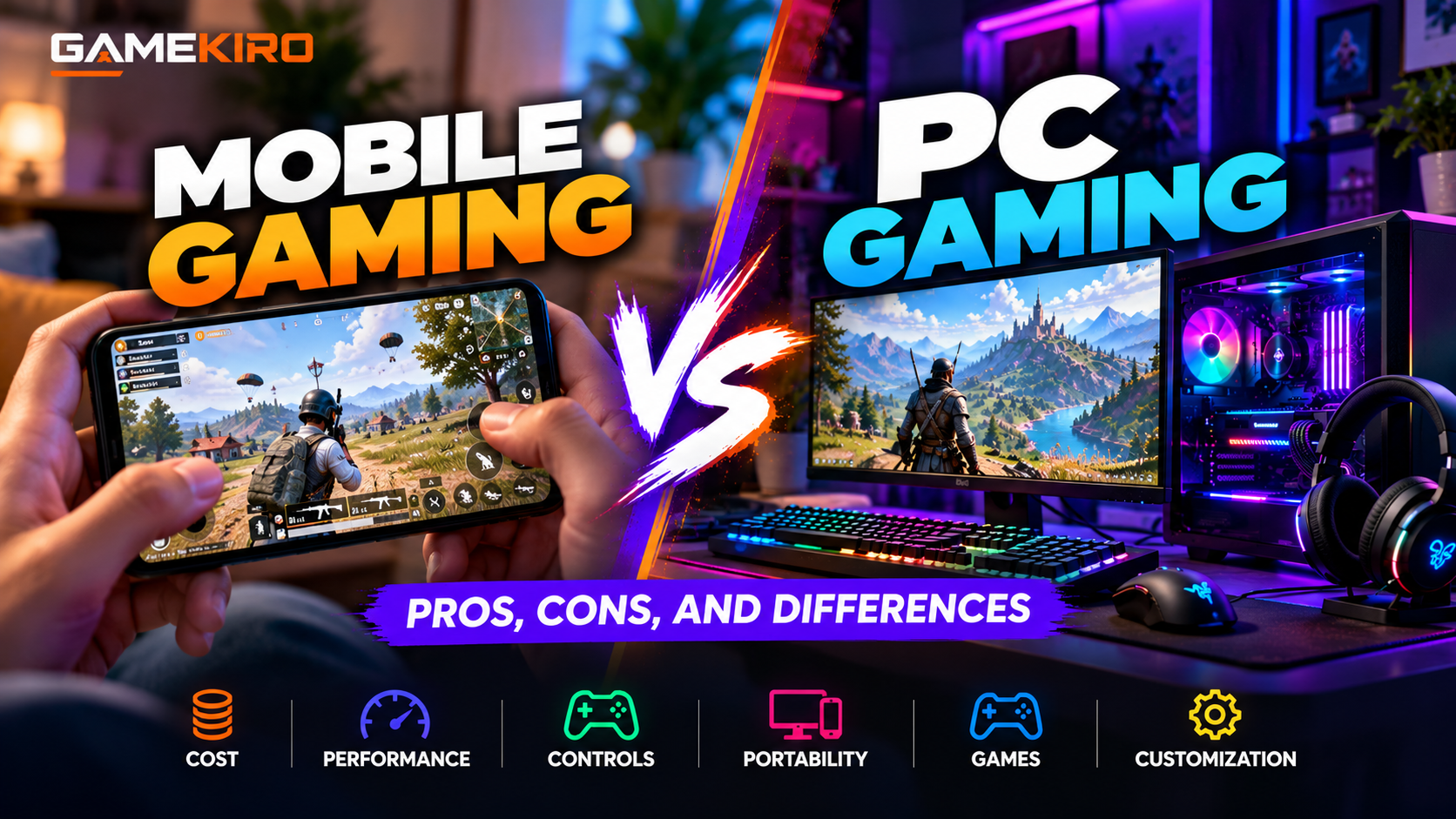 o play. The best gaming platform is the one that fits your needs and gives you the most enjoyment.