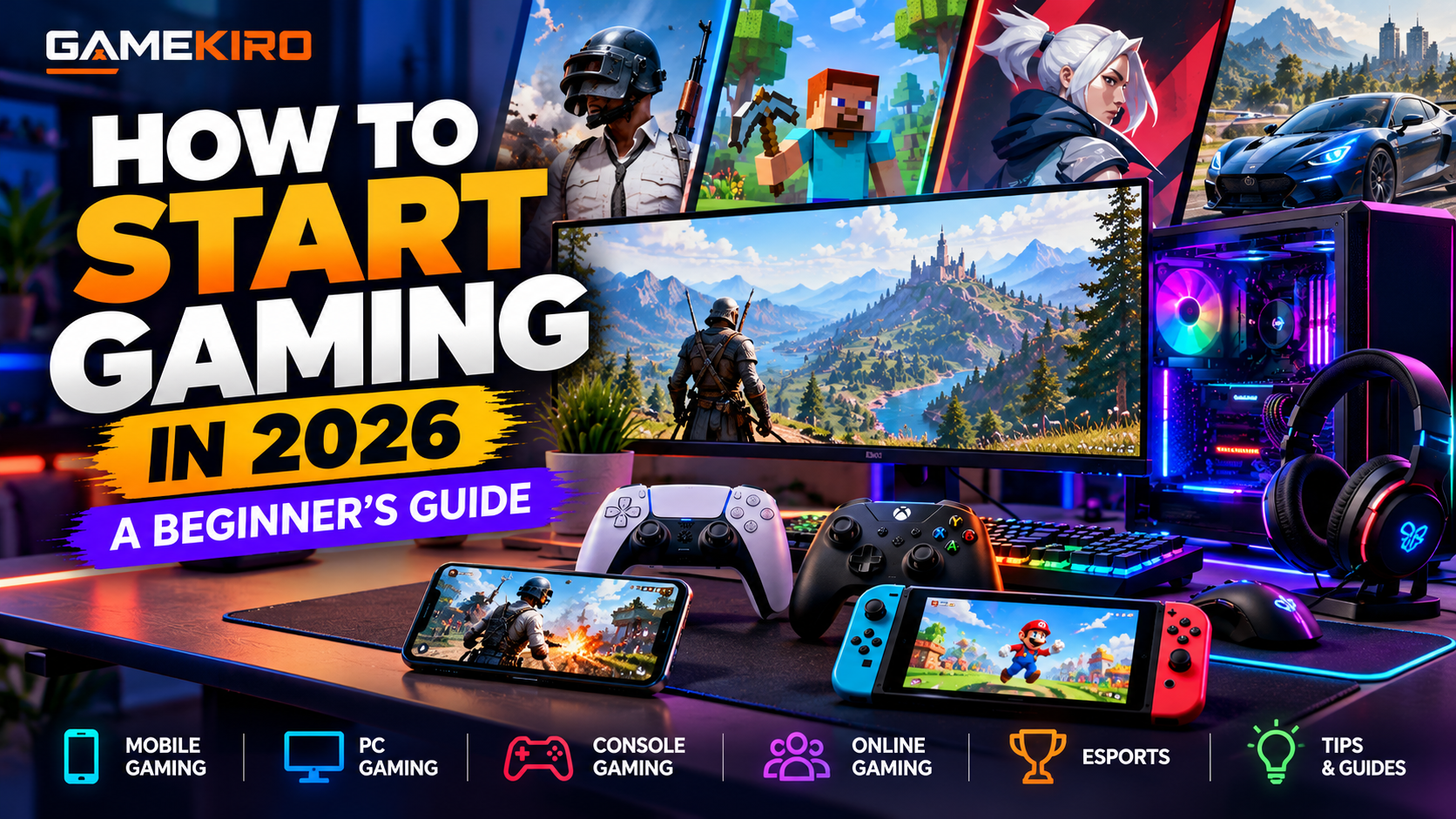
How to Start Gaming in 2026: A Beginner’s Guide
Gaming has become a popular way to relax, compete, explore virtual worlds, and connect with people around the world. Whether you want to play games on your smartphone, build a gaming PC, purchase a console, or try online multiplayer games, getting started is easier than many beginners think.
The good news is that you do not need an expensive gaming setup or years of experience to enjoy video games. You can start with a device you already own, choose a game that matches your interests, and improve your skills gradually.
In this guide, Gamekiro explains how to start gaming in 2026, how to choose the right device, which types of games to try, how much money you might need, and how to stay safe while playing online.
1. Decide Why You Want to Start Gaming
Before buying gaming equipment or downloading multiple games, think about what you want to get out of gaming.
Different players have different goals. Some enjoy gaming as a casual hobby, while others prefer competition, exploration, storytelling, or playing with friends.
Here are some common reasons to start gaming:
- Entertainment: Enjoy games during your free time.
- Competition: Challenge yourself against other players and improve your performance.
- Social interaction: Play cooperative games with friends and family.
- Creativity: Build virtual worlds, design structures, or create custom content.
- Learning: Explore games that involve strategy, puzzles, or problem-solving.
- Career opportunities: Learn about esports, game development, streaming, or gaming content creation.
Your goal will help you choose the right games and equipment. For example, someone who wants to play casually on the bus may prefer mobile gaming, while someone interested in competitive PC games may eventually want a desktop computer and a suitable monitor.
You do not need to choose a permanent gaming style immediately. Try different types of games and discover what you enjoy.
2. Choose the Right Gaming Device
One of the first decisions beginners face is choosing a device. The main options are smartphones, PCs, laptops, and gaming consoles.
You do not necessarily need to purchase a new device. Start by checking what you already have and whether it can run the games you want to play.
Mobile gaming
Mobile gaming involves playing games on smartphones and tablets. It is often the easiest entry point because many people already own a compatible device.
Advantages:
- Low starting cost if you already own a smartphone.
- Many free-to-play games are available.
- Portable and convenient.
- Easy access to casual and multiplayer games.
Disadvantages:
- Some games have touch controls that take time to master.
- Battery life and heat can affect longer sessions.
- Certain games include advertisements or optional in-app purchases.
- Performance depends on your device's hardware.
Mobile gaming is a practical choice for beginners who want to try gaming without investing in additional hardware.
PC gaming
PC gaming involves playing games on a desktop computer or laptop. It offers a broad selection of games, flexible controls, and options to customize hardware and settings.
Advantages:
- Supports a wide range of game genres.
- Offers keyboard-and-mouse controls as well as controller support.
- Hardware can be upgraded on many desktop systems.
- Useful for other activities, including work, study, and content creation.
Disadvantages:
- A capable gaming PC can require a significant investment.
- Some games need configuration or troubleshooting.
- Desktop setups require space and additional accessories.
- Hardware requirements vary considerably between games.
You do not always need a dedicated gaming computer. Some older games, indie titles, and less demanding games can run on ordinary computers. Always check the minimum and recommended system requirements before buying a game.
Console gaming
Console gaming uses dedicated gaming systems such as PlayStation, Xbox, and Nintendo Switch.
Advantages:
- Designed specifically for gaming.
- Generally straightforward to set up.
- Controller-based gameplay is convenient for many genres.
- Often provides a consistent hardware experience.
Disadvantages:
- The initial purchase can be expensive.
- Games and subscriptions may add ongoing costs.
- Hardware upgrades are more limited than on desktop PCs.
- Some games are exclusive to particular platforms.
Consoles are a good option for people who want a straightforward gaming experience without choosing PC components or adjusting many settings.
Which device should beginners choose?
Device| Best suited for| Starting cost
Smartphone| Casual and portable gaming| Low if you own one
Existing laptop| Casual games and lighter PC games| Low if compatible
Gaming laptop| Portable, demanding PC games| Medium to high
Gaming desktop| Performance and customization| Medium to high
Gaming console| Convenient living-room gaming| Medium to high
These cost descriptions are relative rather than fixed prices. Actual costs depend on the device, region, condition, and games you choose.
Beginner tip: Do not buy a gaming PC or console simply because other gamers use one. First identify the games you want to play and then choose a device that supports them.
3. Understand the Different Types of Video Games
Gaming includes many genres, and each offers a different experience. Trying a few genres is one of the easiest ways to discover your preferences.
Action games
Action games emphasize movement, timing, reflexes, and quick decisions. Players may fight enemies, avoid obstacles, or complete missions.
These games can be exciting, but some require practice to master their controls.
Adventure games
Adventure games often focus on exploration, characters, storytelling, and completing objectives. They can be suitable for players who enjoy discovering new locations and following a story.
Racing games
Racing games challenge players to drive vehicles around tracks or open environments. They range from realistic driving simulations to arcade-style racing.
A controller is often convenient for beginners, although many racing games also support keyboard controls.
Sports games
Sports games simulate activities such as football, basketball, cricket, and racing. They are particularly appealing to people who already enjoy watching or playing sports.
Some sports games feature online competitions, career modes, and team management.
Strategy games
Strategy games reward planning, resource management, and decision-making. Players may manage armies, build civilizations, or compete to control territory.
They can be a good choice if you prefer thinking carefully rather than relying entirely on fast reactions.
Puzzle games
Puzzle games involve solving problems, identifying patterns, or completing challenges. Many are available on smartphones and require little or no previous gaming experience.
Multiplayer games
Multiplayer games allow two or more people to play together. Some focus on teamwork, while others emphasize competition.
Online multiplayer can be enjoyable, but beginners should expect a learning period when playing against experienced opponents.
Simulation and sandbox games
Simulation games recreate activities or environments, while sandbox games often let players experiment and create their own experiences.
These genres can be particularly appealing if you enjoy building, designing, managing, or exploring without following a strict sequence of objectives.
4. Choose Your First Game
Once you know which device you want to use, select one or two games rather than downloading everything that looks interesting.
A good beginner game should have understandable controls, clear objectives, useful tutorials, and a difficulty level that matches your experience.
Consider these starting points:
- If you enjoy solving problems, try a puzzle game.
- If you enjoy exploring, choose an adventure or sandbox game.
- If you like sports, try a football, basketball, or cricket game.
- If you want to compete, start with a beginner-friendly racing or multiplayer game.
- If you prefer playing with friends, look for cooperative games.
- If you want short gaming sessions, consider casual mobile games.
Before downloading or purchasing a game, check its compatibility, storage requirements, age rating, online requirements, and pricing.
Remember that popular does not always mean suitable for you. A highly competitive game may be frustrating if you prefer a relaxed experience, while a story-driven game may not appeal to someone who enjoys fast matches.
5. How to Start Gaming on a Budget
You can begin gaming without spending hundreds or thousands of dollars. The most sensible approach is to start small and spend money only when you understand what you need.
Start with equipment you already own
If your smartphone or laptop can run games you enjoy, use it first. This lets you discover your preferred genres before making a larger investment.
Try free games carefully
Many games are free to download, but free-to-play does not always mean completely free. Some include advertisements, cosmetic purchases, premium currency, or paid progression options.
Read the store listing and understand what optional purchases are offered.
Buy games selectively
Avoid purchasing a large library of games before you know what you like. Choose a game, spend enough time learning it, and consider your next purchase afterward.
Look for legitimate discounts and official digital stores. Be cautious of unusually cheap game keys from unfamiliar sellers, especially when the seller cannot explain where the keys come from.
Upgrade only when necessary
You may eventually want a controller, headset, larger monitor, or better computer. However, you do not need every accessory immediately.
Prioritize upgrades that solve an actual problem, such as uncomfortable controls, insufficient storage, or poor performance.
Example beginner budgets
The following are illustrative spending scenarios, not current price quotes.
Budget approach| What it might include
Almost $0| Existing phone or computer and free games
Small budget| One game or an inexpensive controller
Moderate budget| Entry-level accessories or a used console
Larger budget| Gaming laptop, desktop, or new console setup
Your location and available secondhand equipment can significantly affect costs. When buying used hardware, test the device and check its condition, account restrictions, warranty status, and return policy.
6. Learn the Basic Gaming Controls
Every game has its own control system, but several common controls appear across many games.
On a PC, the keyboard and mouse are widely used. The WASD keys often control movement, the mouse controls aiming or camera movement, and other keys trigger actions such as jumping, interacting, or reloading.
On consoles, the controller's analog sticks commonly control movement and camera direction, while buttons perform actions. Mobile games typically use touchscreen controls, including virtual joysticks and on-screen buttons.
The best way to learn is to use the game's tutorial or practice mode before entering competitive matches.
Tips for learning faster
1. Learn movement before advanced techniques.
2. Read the control guide and practice the main actions.
3. Adjust sensitivity settings if aiming or camera movement feels uncomfortable.
4. Use practice modes to learn without pressure.
5. Change one setting at a time so you can understand its effect.
6. Take breaks if your hands or eyes become uncomfortable.
Do not expect to become skilled immediately. Experienced players may have hundreds or thousands of hours of practice. Focus on improving gradually instead of comparing your early performance with theirs.
7. Set Up Your Gaming Space
You do not need a professional gaming room, but a comfortable environment can improve your experience.
Choose a suitable chair, position your screen at a comfortable viewing distance, and make sure your room has enough lighting. Keep your keyboard, mouse, controller, or phone within a comfortable reach.
For longer sessions, pay attention to posture and take regular breaks. Stand up, stretch, look away from the screen periodically, and avoid sacrificing sleep to continue playing.
A headset can help you hear game audio clearly and communicate with teammates. However, keep the volume at a comfortable level and remain aware of your surroundings when necessary.
If you share a room with others, consider using headphones and setting reasonable gaming hours.
8. Understand Internet Speed, Ping, and Lag
Internet quality matters most when you play online games. However, a faster internet plan does not automatically guarantee a better gaming experience.
Three important terms are download speed, ping, and packet loss.
Download speed measures how quickly your device receives data. It affects downloads and updates, although online gameplay often uses less bandwidth than downloading large games.
Ping measures the time it takes data to travel to a game server and back, usually in milliseconds. Lower ping generally helps responsive multiplayer gameplay.
Packet loss occurs when data packets fail to reach their destination. It can cause missing actions, interruptions, or inconsistent gameplay.
How to reduce gaming lag
- Use a wired Ethernet connection on compatible devices when practical.
- If using Wi-Fi, choose a reliable signal and reduce interference.
- Pause large downloads while playing.
- Select an appropriate nearby game server when the game allows it.
- Restart your router if the connection becomes unstable.
- Check whether the problem affects one game or your entire internet connection.
If your internet connection is already reliable, upgrading to a much faster plan may not solve high ping caused by distant servers, routing problems, or unstable connections.
9. Create a Gaming Account and Protect It
Many modern games require an account to access multiplayer features, save progress online, purchase content, or synchronize data across devices.
Create your account through the game's official website, application, or authorized store. Use a strong, unique password and enable two-factor authentication when available.
Avoid sharing your password, verification codes, recovery codes, or payment information with other players.
Be cautious of messages offering free skins, game currency, exclusive rewards, or unusually cheap accounts. Scammers often use attractive offers to direct players to fake login pages.
Never install unofficial software simply because another player claims it will improve performance or unlock paid content. Untrusted downloads can compromise your device or gaming account.
For additional guidance, the UK National Cyber Security Centre provides recommendations for protecting gaming accounts, devices, and personal information.
10. Learn How Online Gaming Works
Online gaming connects players through the internet. Depending on the game, you may compete against strangers, cooperate with friends, join teams, or participate in large online communities.
Some games offer voice chat and text chat, while others provide friend lists, guilds, clans, and matchmaking systems.
Online gaming can be a good way to socialize, but treat other players respectfully and protect your personal information.
Use a gaming username that does not reveal your full name, address, phone number, or other sensitive details. Avoid sharing private information with strangers, even if you have played together for a long time.
If another player harasses, threatens, or repeatedly abuses you, use the game's mute, block, and reporting tools. You do not have to remain in a conversation that makes you uncomfortable.
If you are new to multiplayer games, begin with friends or cooperative modes. This can help you learn the game without feeling pressured to perform perfectly.
11. Understand Gaming Costs and In-Game Purchases
Gaming expenses can extend beyond the initial device or game purchase.
Some games offer downloadable content, expansion packs, season passes, cosmetic items, premium currency, or monthly subscriptions. Certain online services may also require a paid membership for specific multiplayer features.
Before purchasing anything, check exactly what you receive and whether the payment is recurring.
A few useful habits can help you control spending:
- Set a monthly gaming budget.
- Review the full price before confirming a purchase.
- Check subscription renewal dates.
- Avoid buying items because of pressure from friends or limited-time offers.
- Use purchase confirmations and parental controls where appropriate.
- Never share payment details through unofficial messages or websites.
Cosmetic items may change a character's appearance without improving gameplay, while other purchases can affect progression or access to content. Understand the difference before spending money.
You can enjoy many games without purchasing every optional item.
12. Is Gaming Safe for Beginners?
Gaming can be an enjoyable hobby, but beginners should understand its potential risks.
Online games can expose players to harassment, scams, inappropriate content, and unwanted contact. Some games also encourage spending through virtual currencies, limited-time offers, or random reward systems.
The Entertainment Software Rating Board (ESRB) provides age ratings and content information for many games and apps in North America. Check the rating and content descriptors before choosing a game, particularly for children.
You should also consider the game's online features. A suitable age rating does not guarantee that every interaction with other players will be appropriate.
To build safer gaming habits:
- Download games from official stores.
- Keep devices and games updated.
- Use privacy and communication settings.
- Block and report abusive players.
- Protect account and payment information.
- Review in-game purchases before spending.
- Maintain a healthy balance between gaming and other activities.
For younger players, parents or guardians should review age ratings, account settings, chat options, and purchase controls.
13. How to Improve Your Gaming Skills
Once you find a game you enjoy, improving your skills can make it more rewarding.
Start by learning the basic mechanics and understanding how the game works. Instead of trying to master everything at once, identify one area to improve.
For example, a racing player might practice braking and cornering, while a strategy player might focus on resource management. A shooter player may benefit from practicing movement and aiming before entering ranked matches.
Practical ways to improve
Practice consistently: Short, focused sessions can be more useful than playing for hours without a clear goal.
Review mistakes: Think about why you lost a match or failed a challenge. Look for patterns rather than blaming every loss on bad luck.
Learn from experienced players: Tutorials and gameplay videos can explain techniques, strategies, and common mistakes.
Use appropriate settings: Adjust controls, sensitivity, graphics, and accessibility options to suit your device and comfort.
Play against suitable opponents: Beginner modes and casual matches can help you learn before trying competitive rankings.
Stay patient: Progress is rarely perfectly consistent. Some days you may perform better than others.
Remember that the purpose of gaming is not always to win. Enjoyment, exploration, creativity, and social interaction are equally valid reasons to play.
14. Can Beginners Turn Gaming Into a Career?
Gaming can lead to career opportunities, but professional gaming is only one possible path.
Esports players compete in organized tournaments and leagues. Success typically requires strong gameplay skills, teamwork, practice, and the ability to perform under pressure.
Other gaming-related careers include:
Game development and programming.
Game design and level design.
Quality assurance and game testing.
Video editing and gaming content creation.
Live streaming and community management.
Gaming journalism and reviews.
Esports event organization.
Each career requires different skills, and income is not guaranteed. For example, streaming requires not only gaming ability but also content planning, communication, consistency, and audience development.
If you are interested in a career, start by learning a relevant skill and creating small projects. Treat gaming as a hobby first while exploring which professional path fits your interests.
15. A Simple Seven-Day Plan for New Gamers
If you are unsure where to begin, follow this simple plan.
Day 1: Choose your device
Decide whether you will use a smartphone, computer, or console. Check that it meets the requirements for your preferred games.
Day 2: Explore game genres
Try a few genres and identify what interests you most. Do not spend money on several games immediately.
Day 3: Choose your first game
Select a beginner-friendly game and download it from an official store.
Day 4: Learn the controls
Complete the tutorial, practice movement, and understand the main objectives.
Day 5: Explore the settings
Adjust controls, graphics, sound, and accessibility settings to suit your preferences.
Day 6: Try playing with others
If you feel comfortable, play a cooperative or casual multiplayer match. Review the game's privacy and communication settings first.
Day 7: Review your experience
Ask yourself whether you enjoyed the game, whether it ran smoothly, and whether you want to continue. Only consider buying additional equipment after identifying a genuine need.
This plan is flexible. You can spend more time learning the basics or skip multiplayer if you prefer single-player experiences.
Frequently Asked Questions About Starting Gaming
What is the best gaming device for beginners?
There is no single best device for everyone. A smartphone is convenient for casual gaming, a PC offers flexibility, and a console provides a straightforward gaming experience. Choose based on your budget, preferred games, and existing equipment.
Can I start gaming for free?
Yes. You can begin with a compatible device and free-to-play games. However, some games offer optional purchases, advertisements, or paid subscriptions, so check the terms before playing.
Do I need a gaming PC to play video games?
No. Many games run on smartphones, ordinary laptops, and consoles. A dedicated gaming PC is useful for certain demanding games, but it is not required to begin gaming.
Is PC gaming better than console gaming?
Neither is universally better. PCs provide more customization and flexibility, while consoles are often easier to set up. Your choice depends on the games you want to play, the cost, and your preferred controls.
How long does it take to become good at gaming?
It depends on the game, your experience, and how you practice. Some games have simple mechanics that beginners can learn quickly, while competitive games may require extensive practice.
Can I play games without an internet connection?
Yes. Many single-player games offer offline play. However, online multiplayer, cloud gaming, and some account-based features require an internet connection
Is gaming a good hobby?
Gaming can be an enjoyable hobby when balanced with sleep, exercise, work, education, and relationships. It becomes a concern when it consistently interferes with everyday responsibilities or well-being.
Conclusion
Starting gaming in 2026 does not have to be complicated or expensive. Choose a device that fits your budget, explore different genres, learn the basic controls, and begin with a game that genuinely interests you.
As you gain experience, you can explore online multiplayer, competitive gaming, better equipment, or even gaming-related careers. There is no need to rush or spend money to keep up with other players.
The best gaming setup is the one that suits your needs, and the best game is one you enjoy playing.
For more gaming guides, hardware tips, game reviews, and esports coverage, visit Gamekiro and continue exploring the world of gaming.