How to Build Your First Gaming Setup on a Budget
Building your first gaming setup is exciting, but you do not need to spend thousands of dollars to enjoy a great gaming experience. Whether you want to play competitive games, explore open-world adventures, or enjoy casual gaming with friends, it is possible to create a comfortable gaming setup without breaking the bank.
The secret is to spend money on the components that matter most and avoid buying expensive accessories you do not really need. In this guide, we will explain how to build your first gaming setup on a budget, step by step.
1. Choose Your Gaming Platform
Before purchasing anything, decide where you want to play.
A gaming PC offers flexibility, customization, and access to a large library of games. However, building or buying one can require a higher initial investment.
A gaming console, such as PlayStation or Xbox, can be a simpler and more affordable option for home gaming. If you already own a capable smartphone, you can even start with mobile gaming without purchasing another device.
Choose a platform based on the games you enjoy and your available budget.
2. Invest in the Most Important Hardware
If you choose PC gaming, prioritize the processor, graphics card, RAM, and storage. You do not need the latest high-end hardware to play many popular games.
Consider a reliable entry-level or mid-range gaming PC, and compare refurbished or used systems from reputable sellers. Always check the condition, specifications, warranty, and upgrade options before purchasing used hardware.
For a practical starting point, 16GB of RAM and an SSD are reasonable targets for many modern gaming PCs. Check the requirements of your favorite games before choosing a graphics card or processor.
3. Choose an Affordable Gaming Monitor
A good monitor can improve your gaming experience without consuming your entire budget.
For beginners, a 1080p monitor is often a sensible starting point. If you enjoy competitive games, consider a monitor with a higher refresh rate, such as 144Hz, provided your hardware can deliver suitable frame rates.
You do not need an expensive 4K display when building your first budget gaming setup.
4. Buy Essential Accessories First
Start with the basics: a comfortable keyboard, responsive mouse, headset, and mouse pad.
You can find reliable budget accessories without paying extra for premium RGB lighting or advanced features. Prioritize comfort, durability, and compatibility.
Upgrade your accessories later when you understand what you actually need.
5. Create a Comfortable Gaming Space
Your gaming environment matters just as much as your hardware.
A sturdy desk and comfortable chair can make long gaming sessions more enjoyable. Keep your cables organized, ensure proper ventilation around your computer, and position your monitor at a comfortable viewing height.
You can start with furniture you already own instead of immediately buying a dedicated gaming desk and chair.
6. Save Money on Games and Software
You do not need to purchase every game at full price. Look for legitimate game sales, free-to-play titles, bundles, and seasonal discounts.
Platforms such as Steam, Epic Games Store, and other official digital stores regularly offer promotions. Always download games and software from trusted sources to avoid malware and scams.
7. Upgrade Your Setup Gradually
One common mistake beginners make is purchasing everything at once. Instead, build a setup that meets your current needs and upgrade it over time.
You might start with a basic monitor and accessories, then invest in better headphones, additional storage, or a graphics card when your budget allows.
Conclusion
Building your first gaming setup on a budget is about making smart choices, not buying the most expensive equipment. Start with the right gaming platform, prioritize essential hardware, choose affordable accessories, and create a comfortable gaming space.
Most importantly, remember that great gaming experiences do not depend entirely on expensive equipment. Start small, enjoy your favor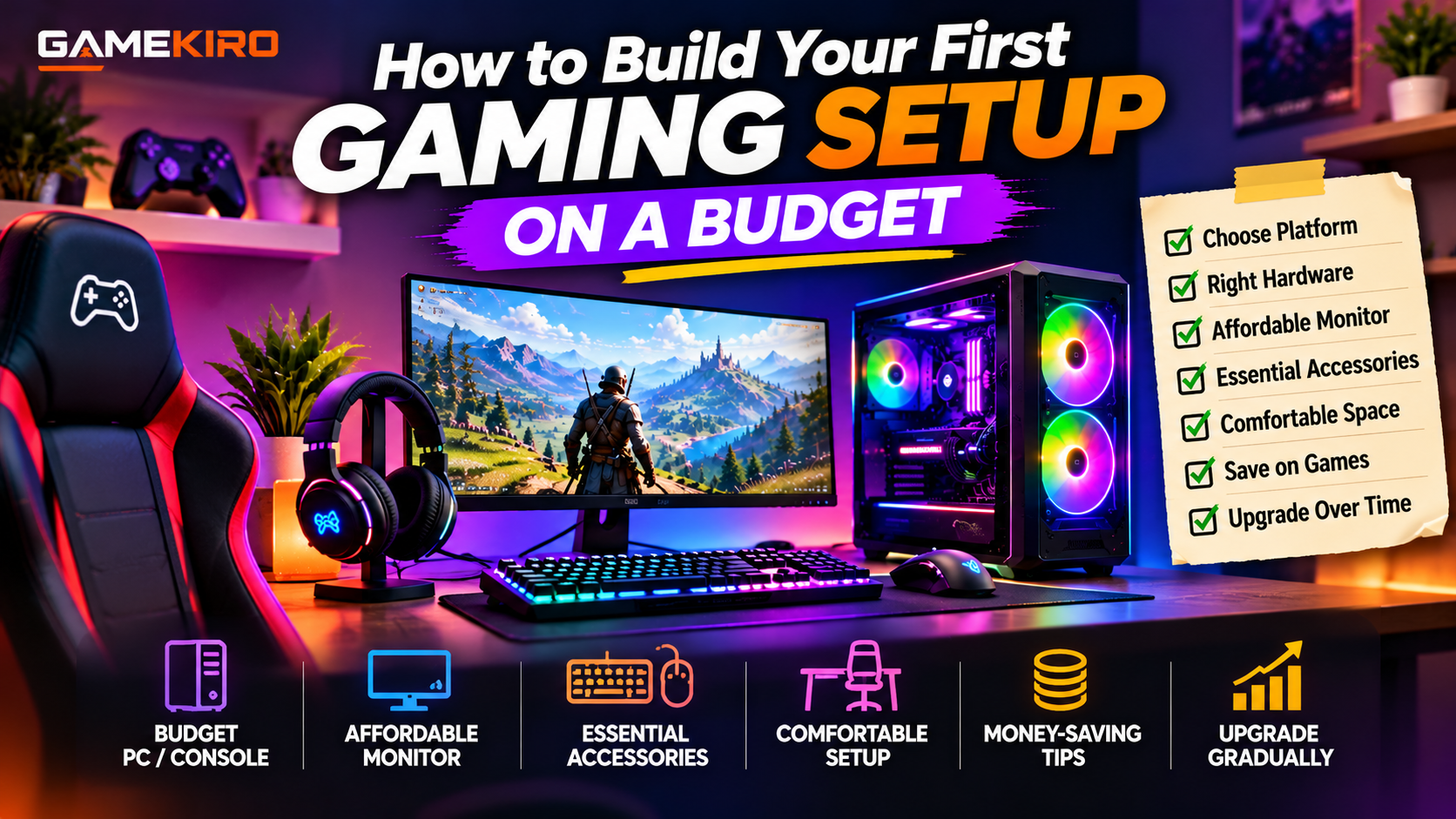 ite games, and upgrade your setup as your needs and budget grow.