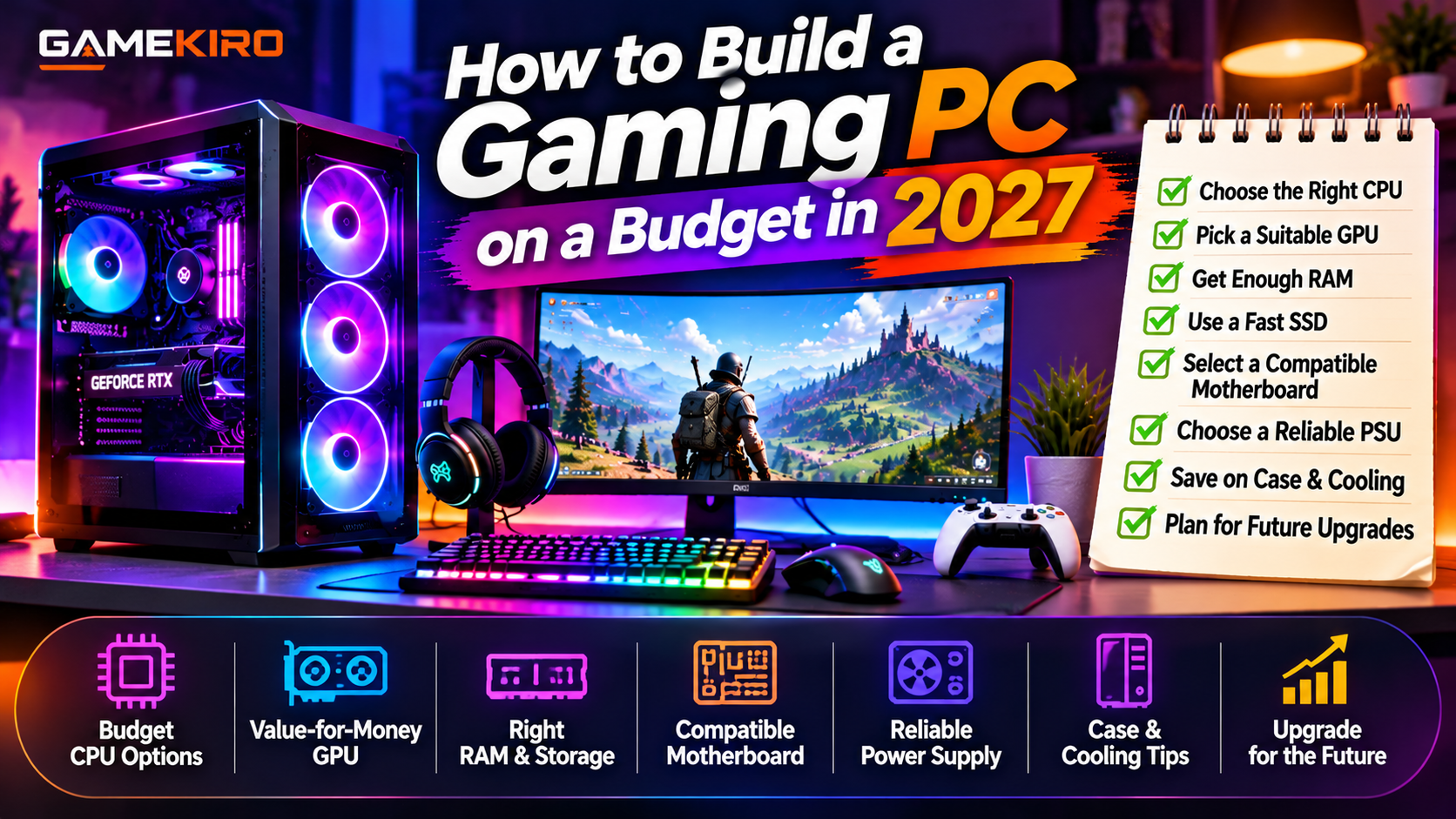
How to Build a Gaming PC on a Budget in 2027
Building a gaming PC in 2027 does not mean spending thousands of dollars. With careful planning, the right components, and smart shopping, you can build a gaming computer that delivers excellent performance without exceeding your budget.
Whether you want to play competitive games, popular multiplayer titles, or modern AAA games, choosing the right hardware is essential. You do not necessarily need the latest flagship graphics card or processor to enjoy smooth gameplay.
In this guide, we will explain how to build a gaming PC on a budget in 2027, which components deserve the most attention, and where you can save money.
1. Set Your Budget Before Buying Components
Before purchasing hardware, decide how much you can comfortably spend. Remember to include the monitor, keyboard, mouse, headset, and operating system if you need them.
A balanced PC is usually a better investment than spending most of your money on one expensive component. Prioritize gaming performance while leaving some room for future upgrades.
2. Choose the Right Processor (CPU)
The processor handles game instructions, background applications, and other computing tasks.
For an affordable gaming PC, consider mainstream AMD Ryzen 5 or Intel Core i5-class processors, depending on their availability, pricing, and performance in 2027.
You do not need an expensive flagship CPU for most gaming needs. Compare gaming benchmarks and make sure the processor is compatible with your motherboard.
3. Select a Suitable Graphics Card (GPU)
The graphics card is one of the most important components in a gaming PC. It directly affects graphics quality, resolution, and frame rates.
For a budget build, consider entry-level or mid-range graphics cards that perform well at 1080p resolution. Compare real gaming benchmarks, video memory, power consumption, and supported technologies before choosing.
Previous-generation GPUs may offer excellent value if their prices have dropped. However, check warranty coverage and condition when purchasing used hardware.
4. Choose Enough RAM and SSD Storage
For many gaming builds, 16GB of RAM remains a reasonable starting point, while 32GB can provide more flexibility for demanding games and multitasking.
Check the memory requirements of the games you plan to play and ensure your motherboard supports your chosen RAM.
For storage, choose an SSD rather than relying entirely on a traditional hard drive. A 1TB NVMe SSD is a practical target if your budget allows, especially because modern games can require substantial storage space.
5. Select a Compatible Motherboard
Your motherboard connects all the major components. It must support your processor, memory type, storage devices, and other hardware.
Before buying, check the CPU socket, chipset, RAM compatibility, expansion slots, and available storage connections.
Avoid paying extra for premium motherboard features you will never use. A reliable budget motherboard is often sufficient for a first gaming PC.
6. Never Compromise on the Power Supply
The power supply unit (PSU) provides electricity to your computer components. Choosing an unreliable power supply to save a small amount of money can put your entire system at risk.
Purchase a reputable PSU with sufficient wattage and the correct connectors for your CPU and graphics card. Consider future upgrades when selecting its capacity.
Look for independent reviews and appropriate safety certifications rather than relying only on advertised wattage.
7. Save Money on the Case and Cooling
You do not need an expensive gaming case with elaborate RGB lighting. Choose one with good airflow, enough space for your graphics card, and convenient cable management.
Many processors include a stock cooler that may be sufficient for normal gaming workloads. Monitor temperatures before spending money on additional cooling equipment.
8. Buy Smart and Compare Component Prices
One of the easiest ways to reduce your gaming PC budget is to compare prices before purchasing.
Check reputable retailers, seasonal discounts, component bundles, and previous-generation hardware. Used components can also offer savings, but inspect their condition and warranty carefully.
Avoid buying suspiciously cheap hardware from unknown sellers.
9. Plan for Future Upgrades
Your first gaming PC does not need to be perfect. Build a system that meets your current requirements and allows sensible upgrades later.
You might begin with 16GB of RAM, a suitable graphics card, and a 1TB SSD, then add more storage or memory when needed.
Check motherboard compatibility, power supply capacity, and case dimensions before planning upgrades.
Conclusion
Building a gaming PC on a budget in 2027 is about making informed decisions rather than purchasing the most expensive hardware.
Focus on a balanced CPU and GPU, sufficient RAM, fast SSD storage, a reliable power supply, and good airflow. Compare real-world benchmarks and check component compatibility before spending your money.
You do not need a high-end gaming computer to enjoy your favorite games. Start with a system t
 hat fits your budget, upgrade gradually, and enjoy building your own gaming setup.