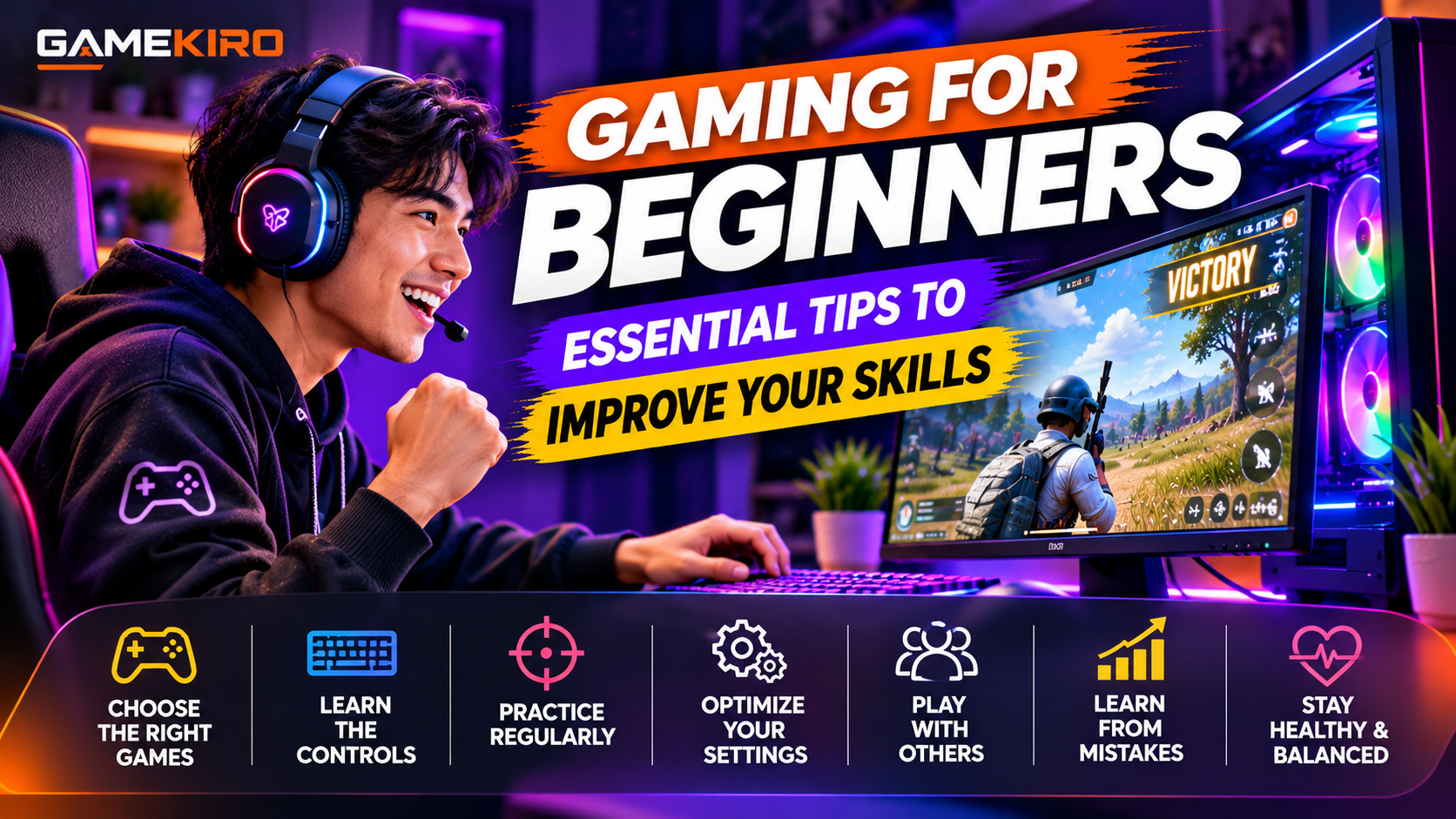
 Gaming for Beginners: Essential Tips to Improve Your Skills
Getting started with gaming is exciting, but becoming a better player takes time, practice, and patience. Whether you enjoy mobile games, PC gaming, PlayStation, Xbox, or Nintendo Switch, learning a few basic techniques can make a big difference.
Many beginners assume that skilled gamers are naturally talented. In reality, most experienced players improve through consistent practice, learning game mechanics, and understanding their mistakes.
If you are new to gaming and want to improve your skills, this guide covers essential gaming tips for beginners that can help you become more confident, make better decisions, and enjoy playing even more.
1. Start With Games That Match Your Skill Level
One of the biggest mistakes beginners make is choosing games that are too difficult from the beginning.
Start with beginner-friendly games that allow you to learn the basic mechanics without feeling overwhelmed. Casual games, racing games, platformers, and games with tutorials are often good starting points.
If you enjoy competitive gaming, you can gradually explore genres such as first-person shooters, multiplayer online battle arenas (MOBAs), and strategy games.
Do not worry about playing popular or difficult games just because experienced gamers enjoy them. Choose games that interest you and match your current skill level.
2. Learn the Game Controls and Mechanics
Before trying to win every match, understand how the game works.
Spend time learning movement, aiming, jumping, attacking, defending, and other important controls. On PC, practice keyboard and mouse combinations. On consoles, become familiar with controller buttons and joystick movement. On mobile devices, learn touchscreen controls and adjust their layout if the game allows it.
Most games provide tutorials, training areas, or practice modes. Use these features before entering competitive matches.
The more comfortable you become with the controls, the less time you will spend thinking about buttons and the more attention you can give to gameplay.
3. Practice Regularly, but Avoid Overplaying
Consistent practice is one of the most effective ways to improve gaming skills.
You do not need to play for six or eight hours every day. Even 30 to 60 minutes of focused practice can be useful, depending on your goals and the game.
Instead of playing match after match without thinking, choose one skill to improve during each session. For example:
- Practice aiming and accuracy.
- Improve movement and positioning.
- Learn the game maps.
- Work on reaction time.
- Understand different weapons or abilities.
Take breaks when you feel tired or frustrated. Playing for too long can reduce concentration and make it harder to learn.
4. Adjust Your Gaming Settings
The right settings can make games more comfortable and easier to control.
For PC games, experiment with mouse sensitivity, graphics settings, key bindings, and display resolution. Console players can adjust controller sensitivity, button layouts, and display settings. Mobile gamers may benefit from customizing touchscreen layouts and sensitivity.
There is no single perfect setting for everyone. What works for a professional player may not work for a beginner.
Start with comfortable default settings, make small adjustments, and give yourself time to adapt before changing everything again.
5. Watch Experienced Players and Learn From Them
Watching skilled gamers can help you understand strategies that you might not discover on your own.
YouTube, Twitch, and gaming communities offer tutorials, gameplay videos, livestreams, and tips from experienced players.
Pay attention to how skilled players move, make decisions, manage resources, and respond to difficult situations. Try to understand why they make certain choices rather than simply copying their actions.
You can also watch beginner tutorials for specific games. These often explain basic mechanics in a simpler way than advanced competitive guides.
Remember that professional players may use expensive equipment and have thousands of hours of experience. Focus on learning useful techniques rather than expecting immediate results.
6. Learn From Your Mistakes
Losing is a normal part of gaming. Even experienced players make mistakes and lose matches.
Instead of becoming frustrated after every defeat, think about what happened. Did you move into an exposed area? Did you use your resources too early? Did you miss an important objective?
Identifying one mistake and working to correct it can make your next session more productive.
If a game provides replay features or match statistics, use them to review your performance. Improvement comes from understanding what went wrong and making better decisions next time.
7. Communicate and Play With Other Gamers
Many multiplayer games require teamwork and communication.
Playing with friends or joining a friendly gaming community can help you learn faster. Other players may share useful strategies, explain unfamiliar mechanics, and help you understand team objectives.
Use voice chat or in-game messaging when appropriate. Keep communication clear, respectful, and focused on the game.
Avoid toxic behavior. Insulting teammates or arguing after every mistake does not improve your performance. A positive gaming environment makes learning more enjoyable.
8. Choose Equipment That Fits Your Needs
You do not need expensive gaming equipment to become a good player.
A reliable smartphone, console, or computer is enough to begin. As you gain experience, you can consider accessories such as a comfortable headset, gaming mouse, keyboard, controller, or monitor.
Prioritize comfort and reliability instead of buying products simply because professional gamers use them.
For PC gaming, a stable frame rate and responsive controls can matter more than decorative RGB lighting. For mobile gaming, battery health, device temperature, and a comfortable grip are worth considering.
9. Protect Your Health and Gaming Time
Improving your gaming skills should not come at the expense of your health.
Take regular breaks, stretch, maintain good posture, and avoid playing for excessively long periods without rest. Follow a healthy sleep routine, especially if you play competitive games.
Set reasonable gaming limits so that gaming does not interfere with work, education, exercise, or relationships.
A rested and focused player is generally better prepared to learn than someone who is constantly tired.
10. Be Patient and Enjoy the Journey
The most important gaming tip for beginners is simple: do not rush improvement.
You may lose many matches before understanding a game properly. Your aim, reaction time, strategy, and confidence will develop at different speeds.
Set small goals, celebrate progress, and enjoy learning new things. Compare your current performance with your previous performance rather than constantly comparing yourself with professional gamers.
Conclusion
Becoming a better gamer does not happen overnight. It requires regular practice, understanding game mechanics, learning from mistakes, and developing good habits.
Start with games you enjoy, master the basic controls, adjust your settings, and learn from experienced players. Most importantly, maintain a healthy balance between gaming and everyday life.
Whether you play on mobile, PC, or console, these essential gaming tips for beginners can help you build confidence and improve your skills over time.
Remember, gaming is not only about winning. It is also about having fun, learning, and enjoying every level of progress.